Why your CRM never sees a failed sign-in
Self-built CRMs often write nothing when a sign-in fails. Here is how a failed sign-in can still be seen — from the traffic itself.

Ask the owner of a self-built CRM how many failed sign-ins they had last week, and the honest answer is usually “we do not know”. The application never wrote them down. There is no journal of failed attempts, no session identifier in the logs, and the audit trail covers only what someone remembered to add.
That gap is not a bug in one product — it is the norm. And it is why the classic route of collecting logs into Wazuh or ELK comes up short: there is nothing to collect. Password guessing, brute force on 2FA codes and reading customer records one at a time leave no trace in a log that was never written.

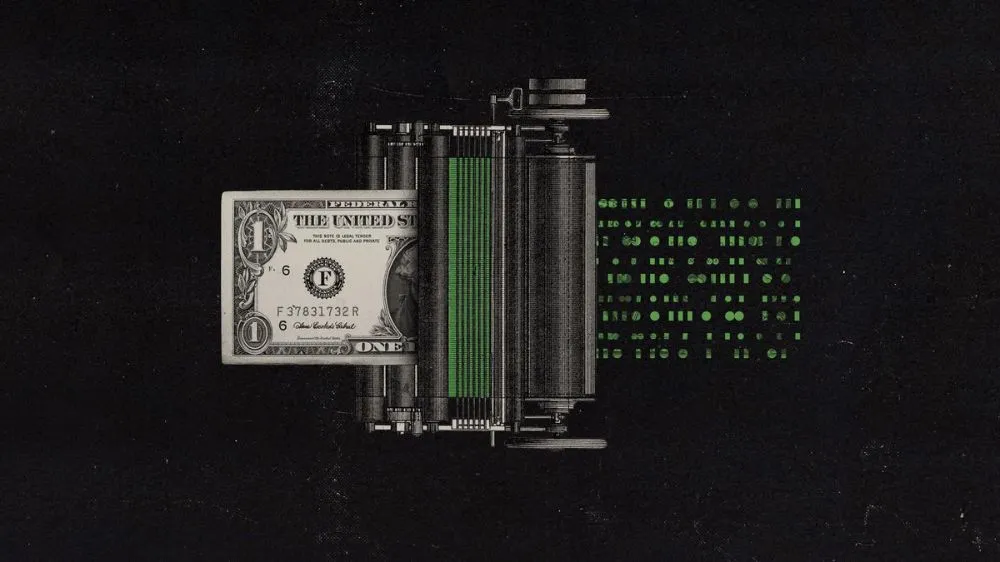
The traffic, however, is there. Every sign-in attempt is a request, and every answer has a status. A sidecar that reads the traffic next to the application — without sitting in the request path — can join each request to its response and derive the event the application never recorded: sign-in failed.
From there the rules work as they would with a perfect audit log: guessing, guessing followed by a success, a stream of 2FA prompts, a new subnet or country. The CRM did not have to change a line of code for it.